PA-46 beta testing program
Avionvera
Know your aircraft. Trust the data. Running on your own Mac.
Avionvera is a local flight-record analysis app being built for general aviation, piston and turbine, starting with the Piper PA-46 family. Recordings in supported formats can be imported and reviewed; the measurements available depend on the recorder and format. Numeric engine and technique scores are currently available only for the 1989–2015 PA-46-350P Malibu Mirage with a JPI EDM-930. Other configurations do not receive a numeric score. Some recorder formats cannot be read today. It tracks trends against your own history and turns the evidence into maintenance observations and reports. Your archive is analyzed and stored on your Mac.
We are looking for a small number of volunteer PA-46 pilots, piston and turbine, to help us test how well the importer handles real-world files from different engine monitors, avionics, and export workflows.
Join the PA-46 betaWhere testing stands today
Numeric scores are currently available for one configuration:
PA-46-350P Malibu Mirage with the Lycoming TIO-540-AE2A engine and a JPI EDM-930 engine monitor.
Support for the rest of the PA-46 family is being developed, and this round is about whether your files import cleanly across aircraft installations, recorder formats and export workflows. Every PA-46 is welcome:
- Mirage, Matrix, and M350 share the TIO-540-AE2A; each needs its own documentation, applicability and real-recording checks before scoring is enabled.
- Malibu 310P with the Continental TSIO-520-BE: supported recordings can be reviewed without scoring; its own scoring limits come later, once checked against real data.
- Meridian, M500, M600, M700, and JetPROP conversions are welcome too. Turbine engine analysis is still being designed, so there is no scoring yet, and some turbine recorder formats cannot be read today. Those files are exactly what we need to build it, so please join.
What it looks like
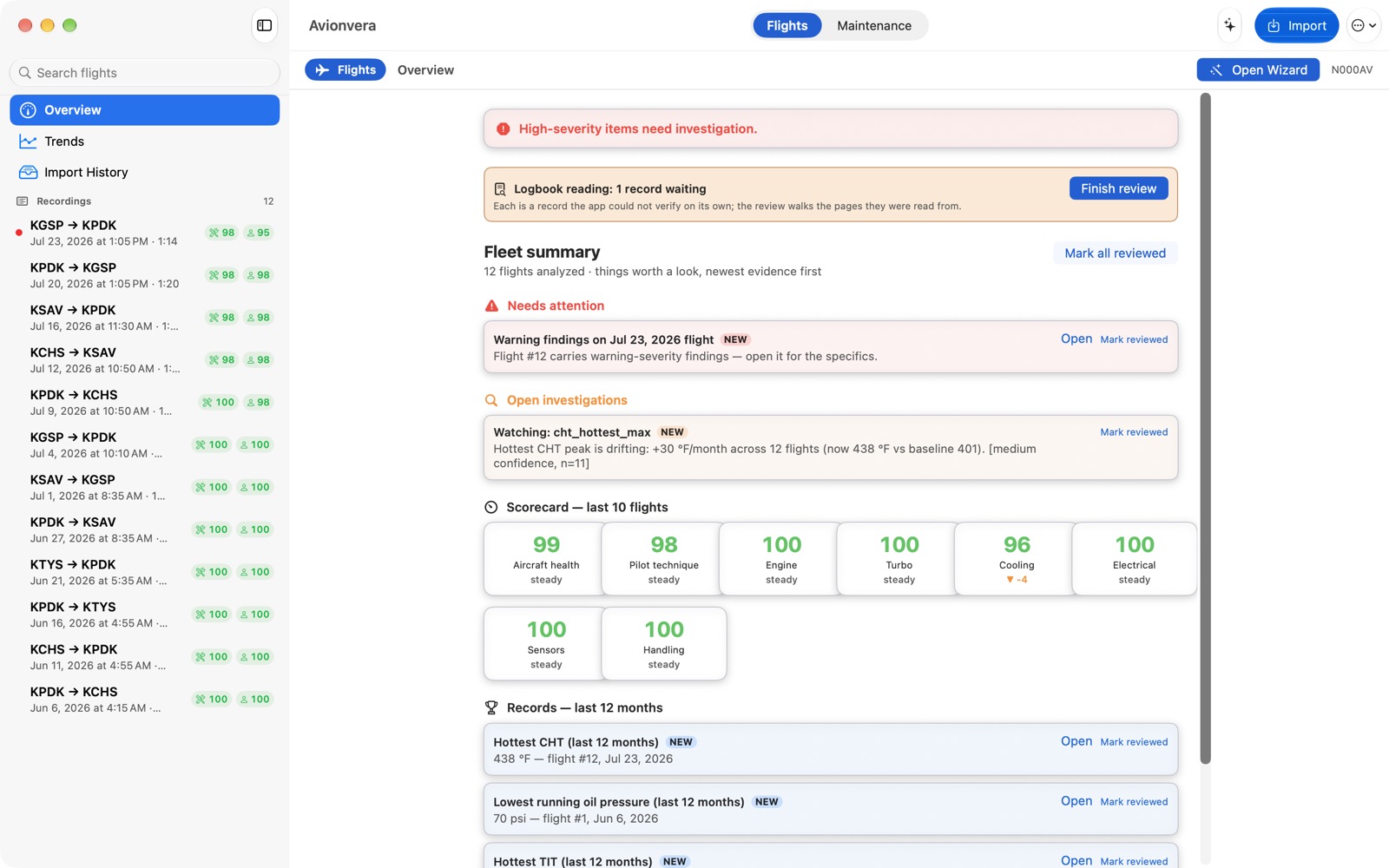
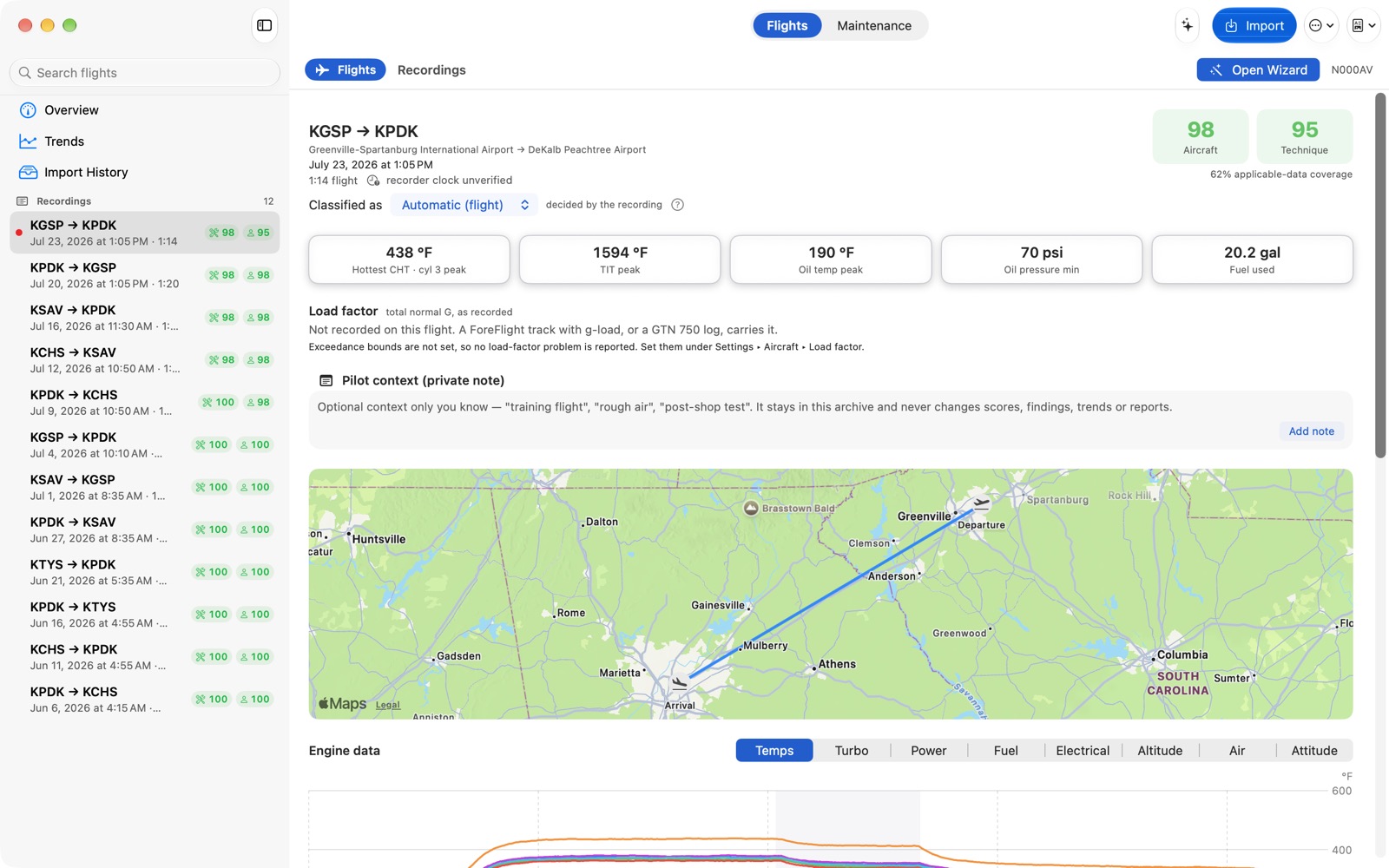
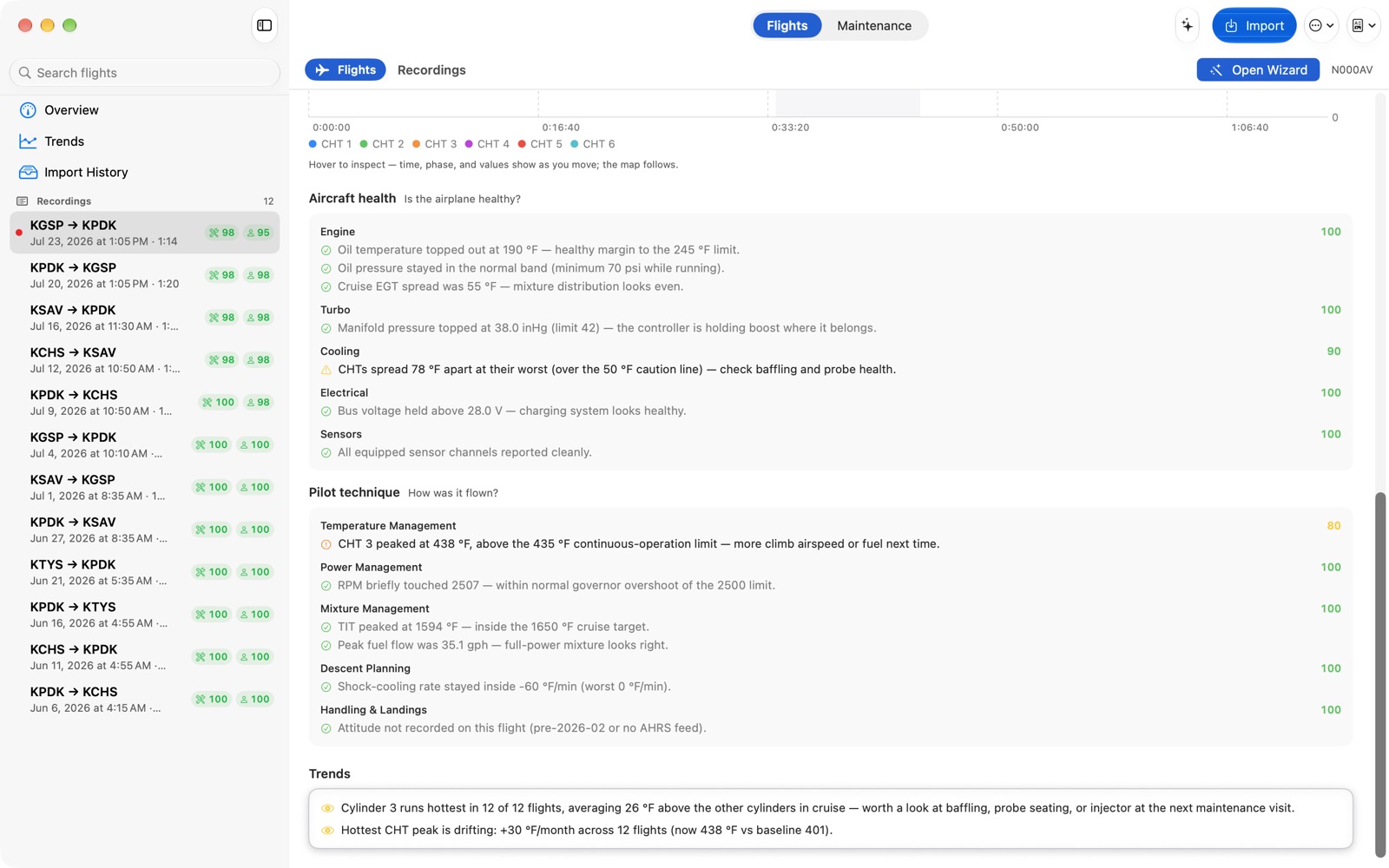
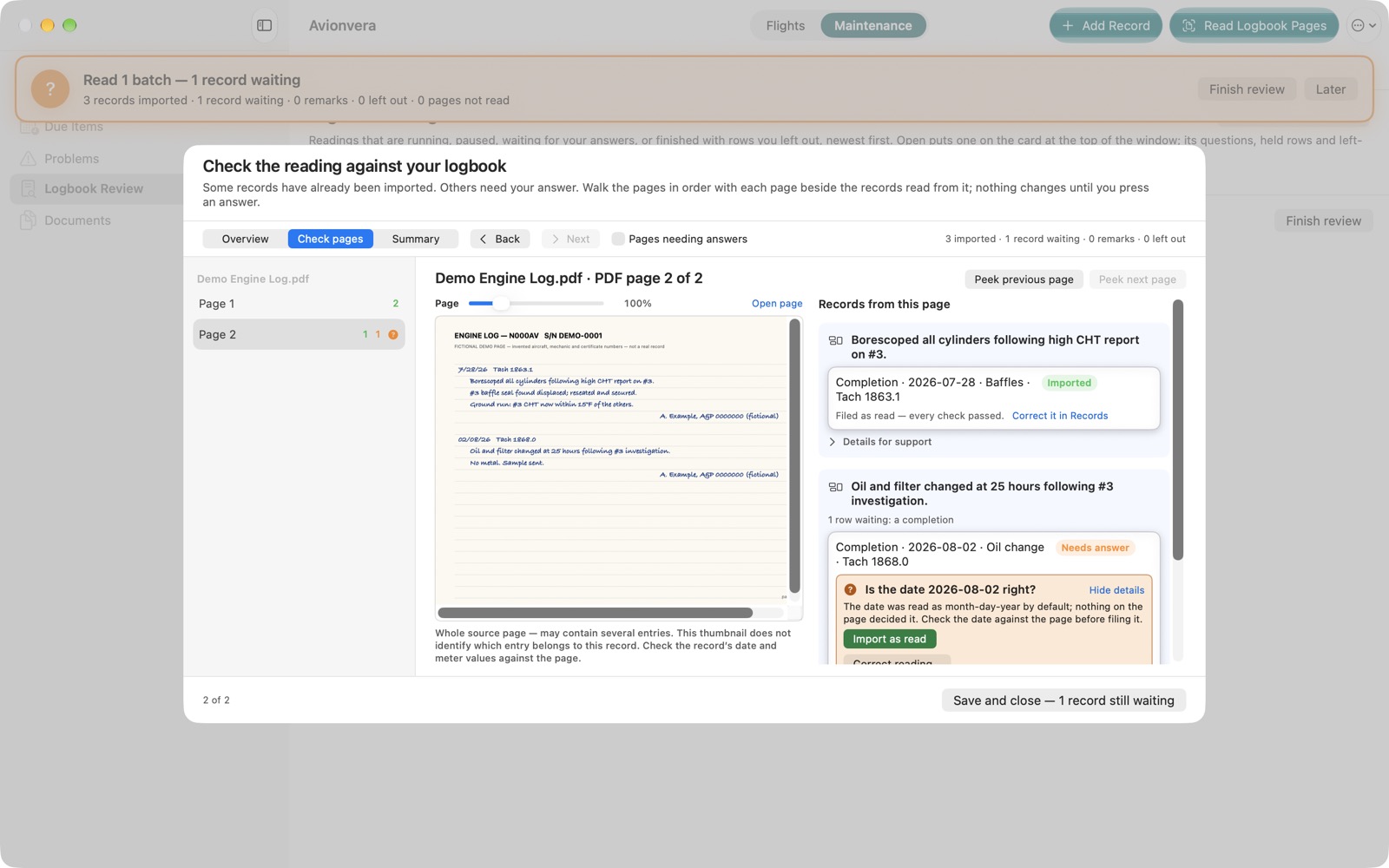
These screenshots use a demo record: a fictional aircraft, generated flights and a made-up logbook page. Your own recordings and logbooks turn into the same views once they import.
What this first step involves
We ask for
- Your name and email address
- Your PA-46 model or variant and engine
- Your engine-monitor model and avionics
- Which file types you can export
- Optional notes on how you get files off the airplane
Please do not send
- Logbooks or maintenance documents
- Passwords, account credentials, or API keys
- Garmin-account or flyGarmin exports
- Raw flight files of any kind
This form collects interest and equipment details only. We will need a real file from your setup later on; when we do, we will ask you and arrange a private transfer.
Join the PA-46 beta
Your answers go straight to our support mailbox as a single plain-text email. There is nowhere on this form to attach a file, on purpose.
Thanks, you are on the list
We have your details and will be in touch by email. Please do not send any files until we ask.
We have also emailed you the TestFlight link for Avionvera and how to get started. If it is not in your inbox in a few minutes, check your junk folder.
That did not go through
Something went wrong sending your details. Please try again in a few minutes, or email support@snickitybit.com with the same information.
How we use what you send
- Testing coordination only. Your name, email address, and equipment information are used to coordinate compatibility testing with you and for nothing else.
- Your TestFlight link, by email. Your sign-up automatically receives one message with our TestFlight link and how to get started. That is the only automatic email.
- Never sold or shared publicly. We do not sell this information, publish it, or share it with anyone outside SnickityBit Solutions.
- Raw files come later, and privately. Testing import compatibility does mean we will need a real file from your equipment eventually. When we reach that point we will ask you first and agree on a private way to transfer it. Files are never uploaded through this page.
- Ask us anything. Questions about any of this go to support@snickitybit.com.